
.svg)
.svg)
LinkedIn workflow automation: how fragmented tools waste 15+ hours monthly

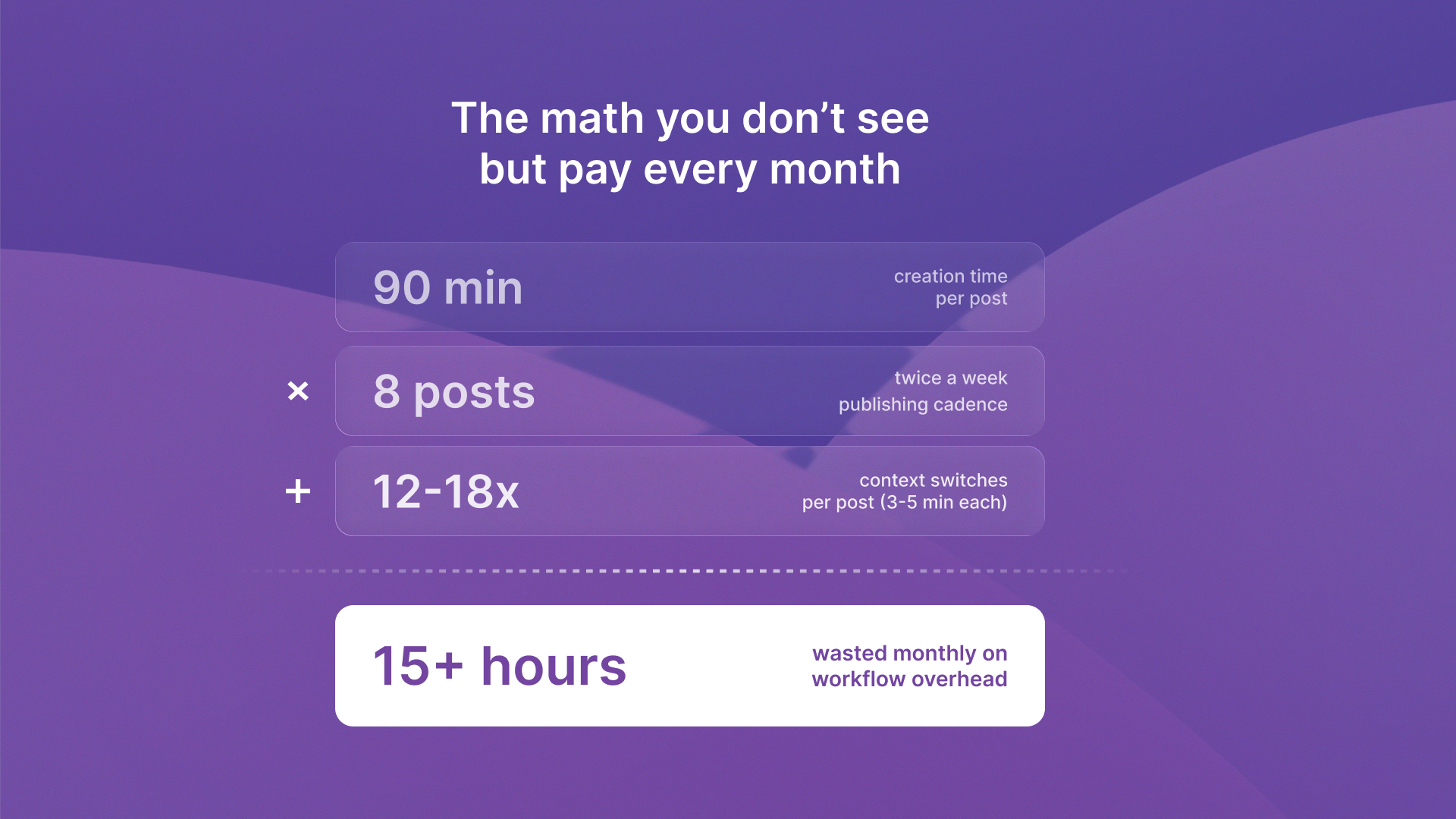
You spend 90 minutes creating a LinkedIn post that takes 30 seconds to read. The problem isn't your writing speed. It's the ChatGPT-to-Buffer-to-Google Docs gauntlet you run every single time.
Most professionals recognize LinkedIn's value as a business asset. Over 1.7 million feed updates are viewed by LinkedIn users per minute, making consistent visibility essential for growth. You've already tried AI writing tools and social media scheduling tools. The issue isn't awareness or access. It's that these tools exist in isolation, creating a fragmented workflow that turns content creation into operational overhead.
The tools that should make LinkedIn easier actually make it harder. They force constant context-switching and manual transfers between platforms. LinkedIn workflow automation shouldn't mean adding more tools. It should mean eliminating the friction between them.
Fragmented workflows compound operational overhead over time
The constant copy-paste routine creates 12-18 context switches per post. You draft in ChatGPT. Then you copy the text into Buffer to schedule it. Then you paste the same content into Google Docs to track what you've published. Each tool switch costs 3-5 minutes of context reloading. What should be a 20-minute task becomes a 90-minute ordeal.
Three separate platforms, three separate logins, three separate interfaces. The friction compounds with every post. Your LinkedIn posting system isn't broken because you lack discipline. It's broken because the architecture demands constant manual intervention.
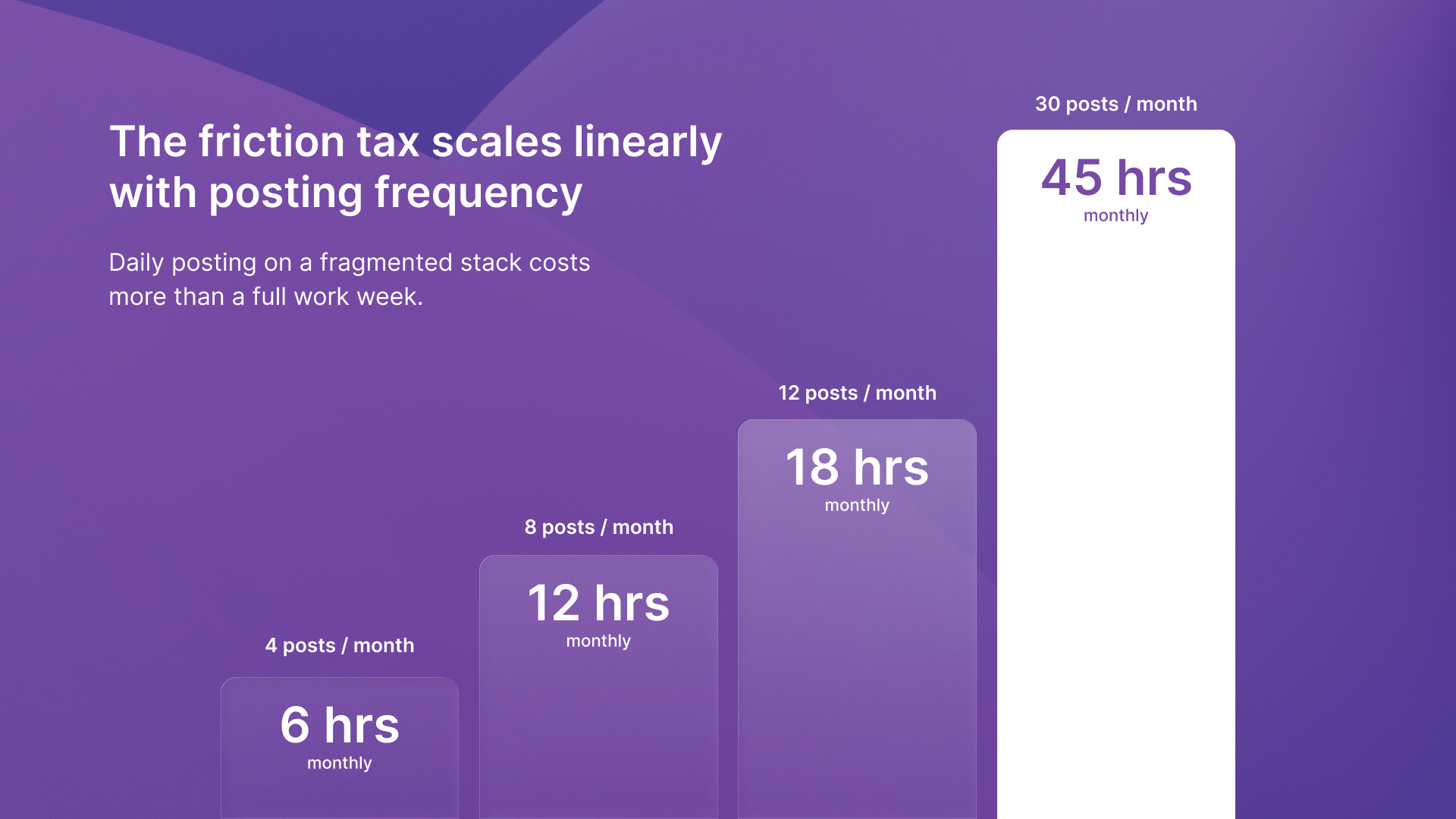
The operational tax grows as your posting frequency increases:
- If you're publishing twice weekly, that's 24 hours monthly just managing tool transfers
- Scale to daily posting and you're losing entire workdays to workflow logistics rather than strategic thought leadership
- Content strategy consultants help businesses build authority through systematic publishing, but even expert guidance can't overcome workflow architecture that fights consistency
Tool fragmentation breaks LinkedIn content consistency
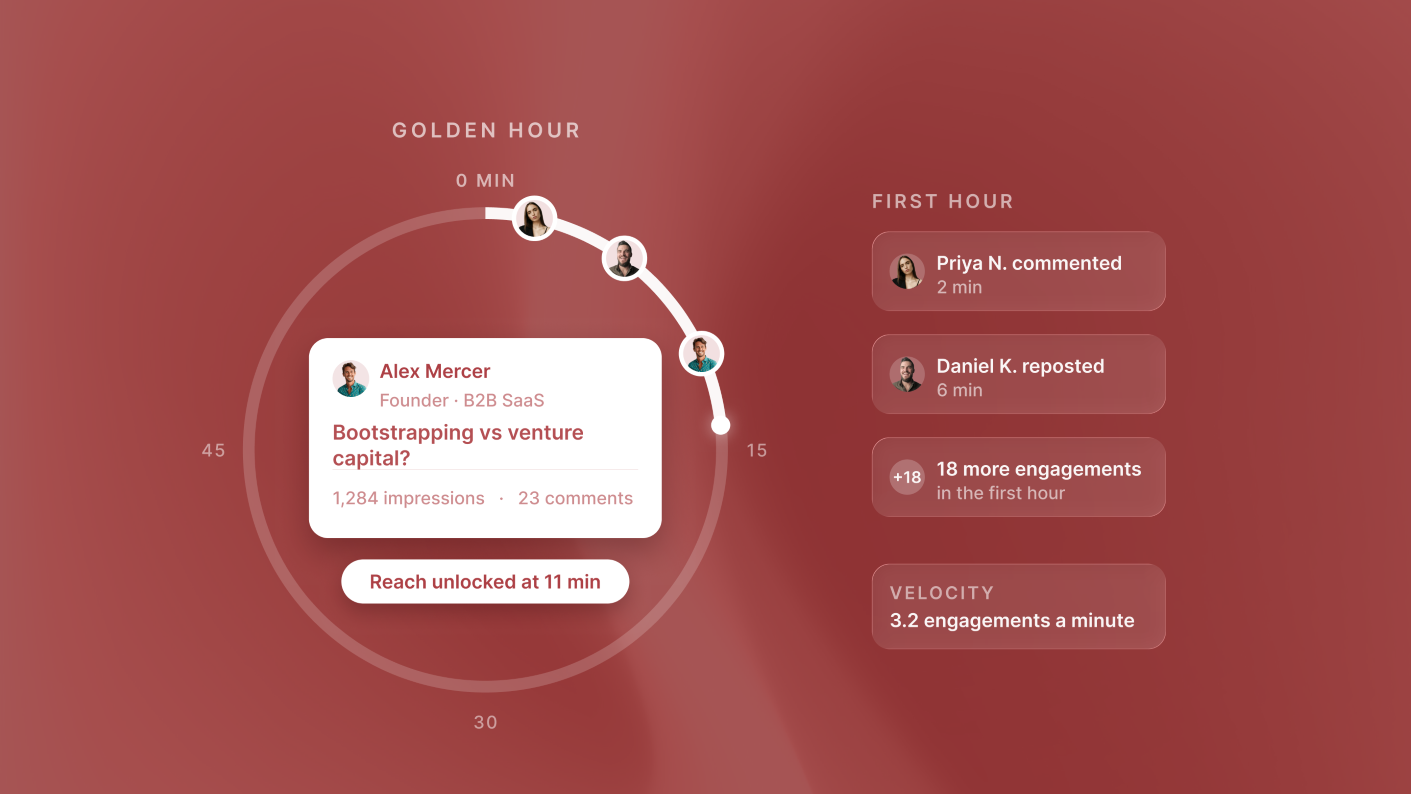
Pages with complete information get 30% more weekly views on LinkedIn. Consistency drives algorithmic visibility. But when content creation requires juggling three separate platforms, professionals skip posts during busy weeks.
The friction is operational, not creative. You're not running out of ideas. You're running out of patience for the manual overhead required to get those ideas published. The problem compounds when you can't see what worked historically in the same place you're planning future content. ChatGPT LinkedIn integration exists, but it stops at draft generation. It doesn't connect to your scheduling or analytics.
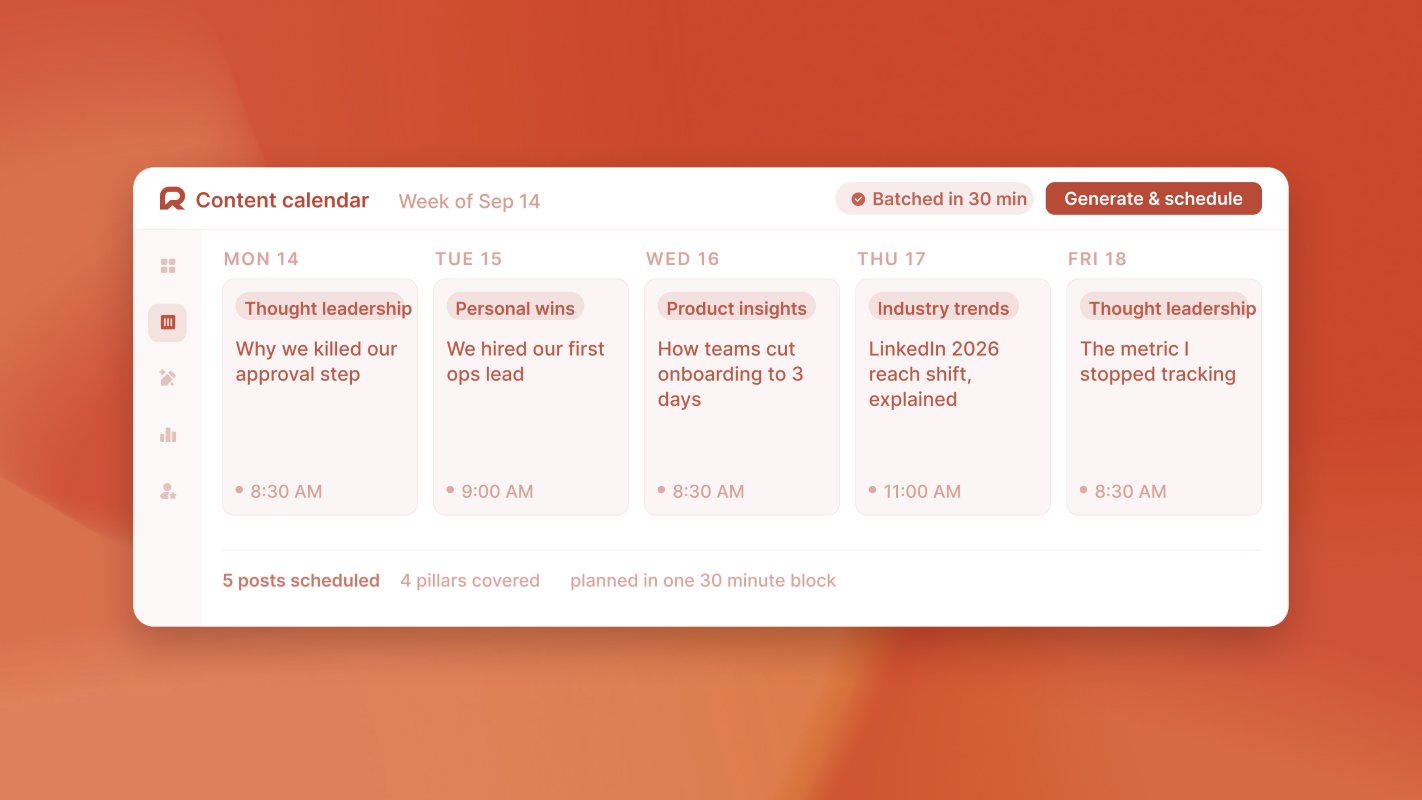
ReachSocial eliminates the need to jump between disconnected tools by consolidating planning, scheduling, and analytics in one platform. When these functions live together, consistency becomes sustainable rather than aspirational. The content workflow optimization approach that works isn't about adding AI capabilities. It's about removing the context switches that kill momentum.
Hidden costs extend beyond time
The operational overhead is visible. The cognitive overhead is worse:
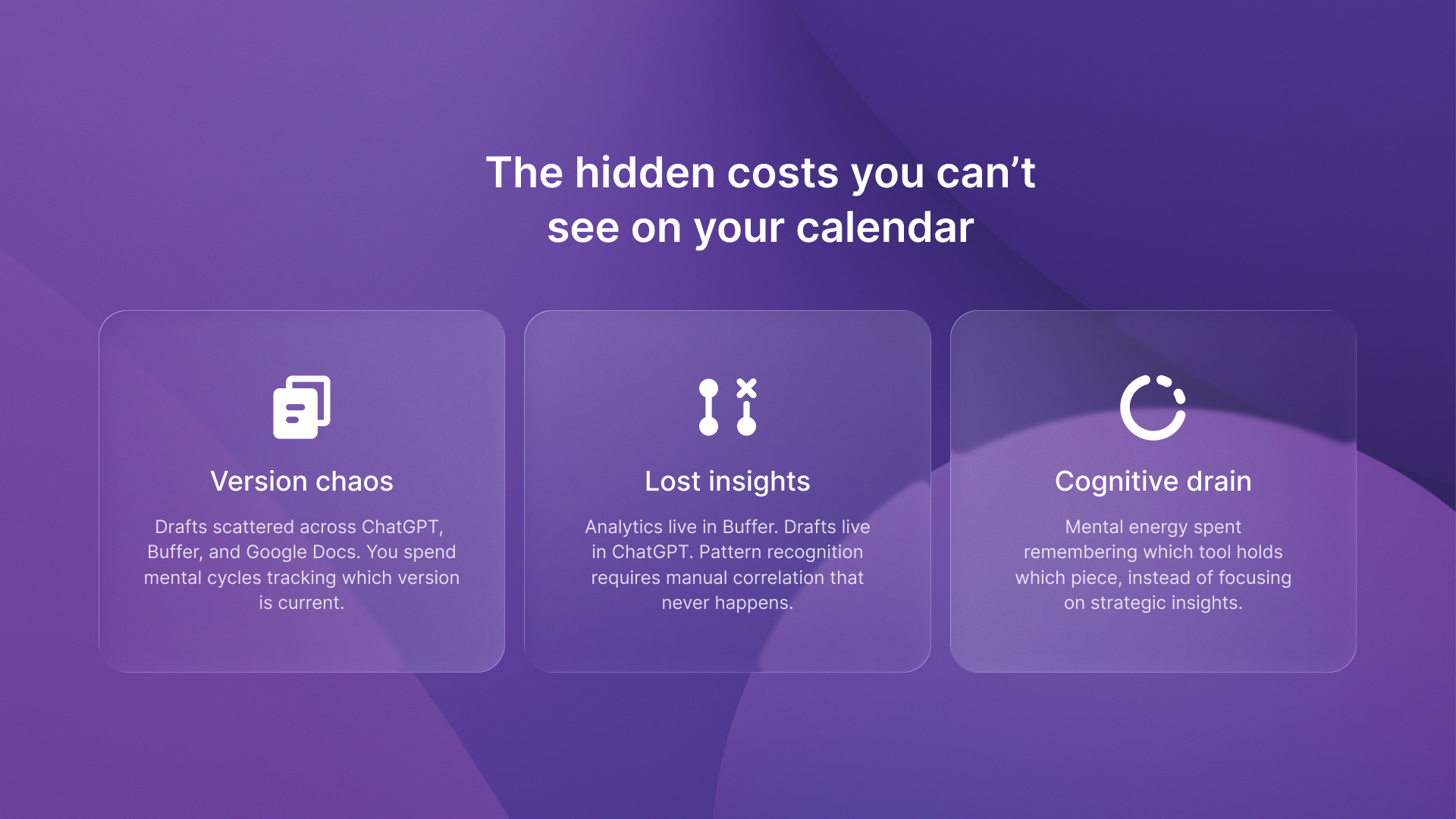
- You lose draft versions between platforms
- You can't reference past performance while drafting new content
- You spend mental energy remembering which tool holds which piece of information rather than focusing on strategic insights
Version control becomes chaos
Did you update the draft in ChatGPT or Buffer? Is the Google Doc version current or outdated? The anxiety of maintaining consistency across three separate systems drains focus from the actual content work. For agencies tracking profitability across client projects, tools like Timecapsule provide real-time visibility into where time actually goes. Content workflow overhead often reveals itself as a hidden profit drain.
Strategic insights get lost in the shuffle
You can't easily analyze which topics drove engagement. Your analytics live in Buffer while your content planning lives in Google Docs. Pattern recognition requires manual correlation instead of happening automatically. Growth marketing platforms help venture-backed companies scale efficiently by reducing operational friction. The same principle applies to LinkedIn workflow automation.
Integrated systems eliminate overhead while maintaining control
When planning, creation, scheduling, and analytics live in one platform, the operational tax disappears. You draft where you schedule. You review past performance while planning future content. The 15+ hours of monthly overhead vanish because there's nothing to transfer between systems.
You maintain creative control without sacrificing workflow efficiency. The platform handles logistics while you focus on strategic thought leadership. Performance data appears alongside content planning, making pattern recognition automatic rather than manual.
LinkedIn workflow automation isn't about removing human judgment. It's about removing the friction that prevents consistent execution. The professionals winning on LinkedIn aren't working harder. They're working within systems that compound effort instead of fragmenting it.
Build a system that compounds
The LinkedIn visibility problem was never about finding the right AI prompt or the perfect scheduling tool. It was about treating content like a system instead of a collection of disconnected tasks.
The tools you already use work fine individually. The problem is that they don't work together. Every context switch and manual transfer adds friction. Each moment spent remembering where you saved a draft hurts consistency over time.
When planning, creation, scheduling, and analytics integrate into one workflow, you stop managing tools and start building thought leadership. The 15+ hours of monthly overhead convert into strategic time focused on insights rather than logistics.
Ready to eliminate the 15+ hours of monthly overhead? Start by listing every tool switch in your current process. Then combine those steps into one integrated workflow that builds on your effort.


.png)


%2520(14).png)
.png)
%2520(13).png)